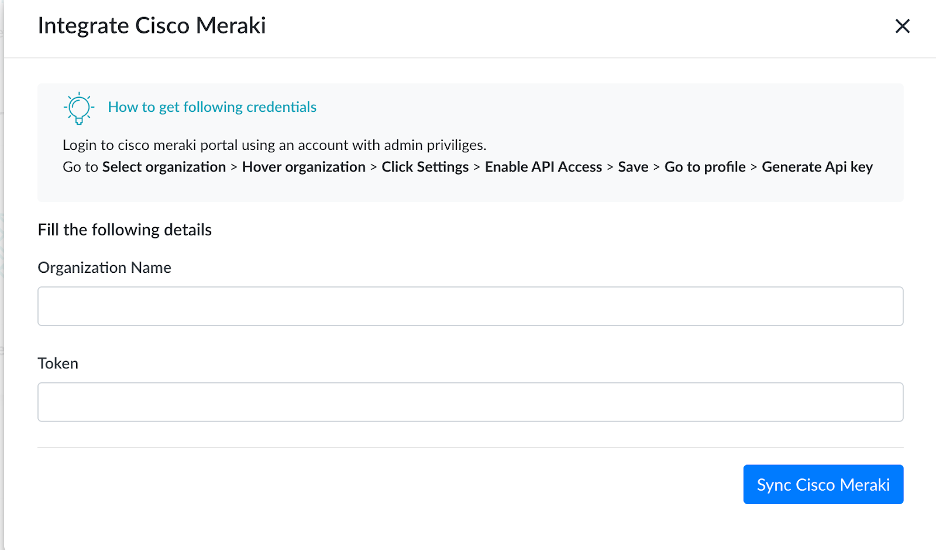
Cisco Meraki solutions include wireless, switching, security, EMM, communications, and security cameras, all centrally managed from the web.
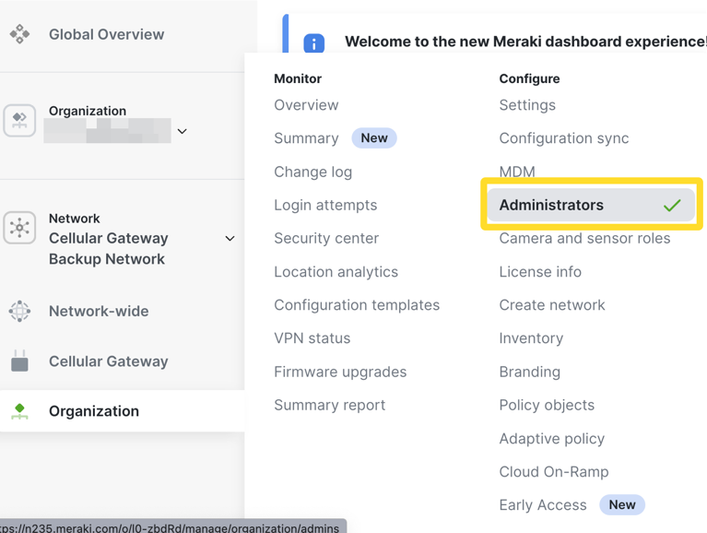
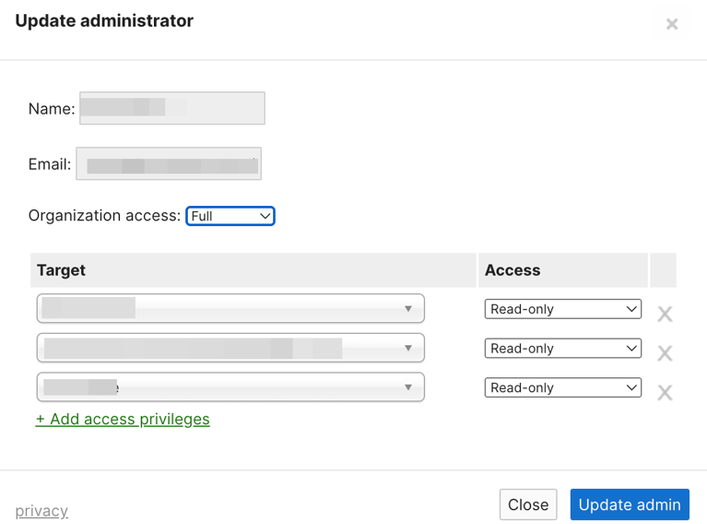
- Please be sure to grant read permissions for all of the networks in your organization. The path is Organization>Configure>Administrator
- Go to the Organization>Configure>Settings
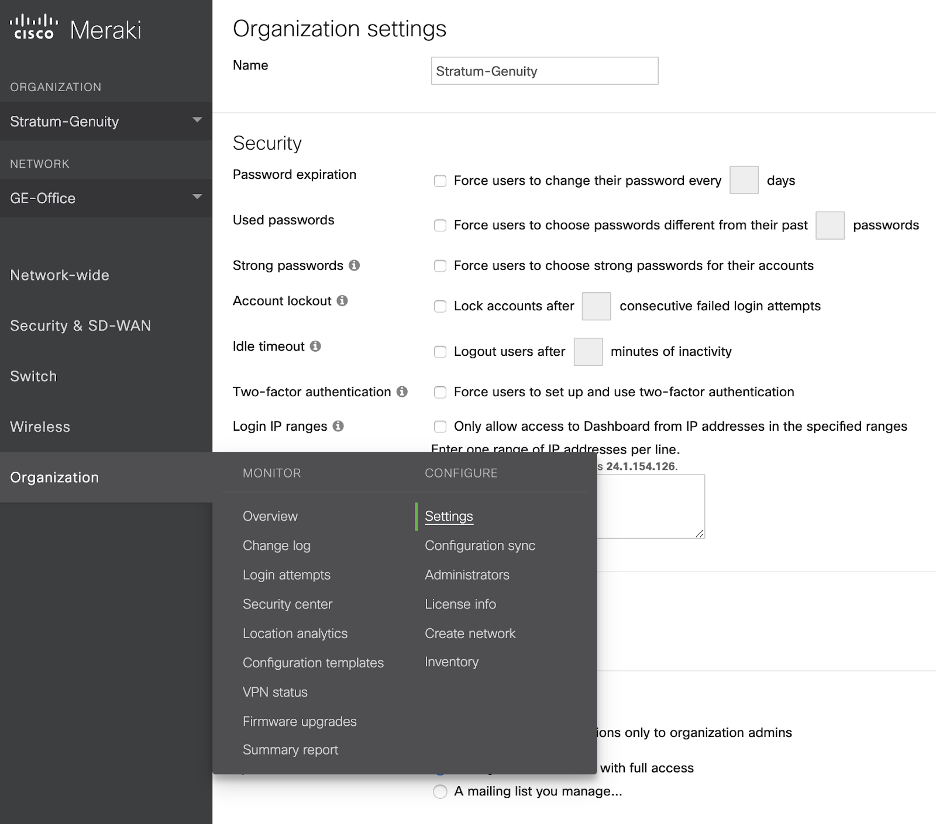
- Enable the Api access by clicking on the checkbox.

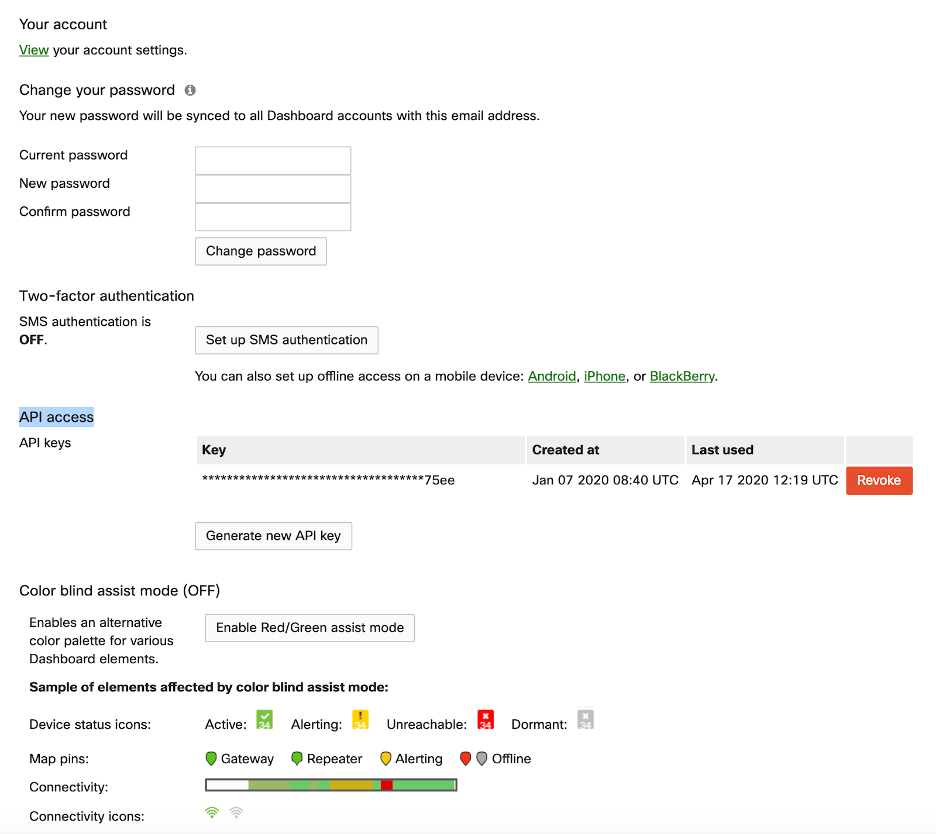
- Go to the profile link there to generate Api key.
- You are all set from the Meraki side. Now go to the Meraki integration in Genuity platform and provide the Organization name along with the Api key.