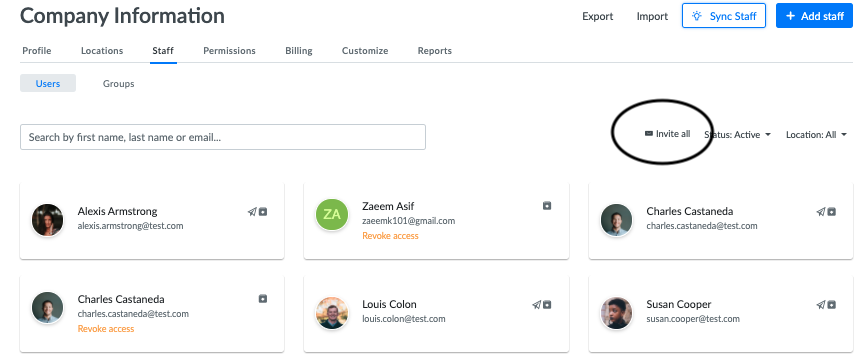
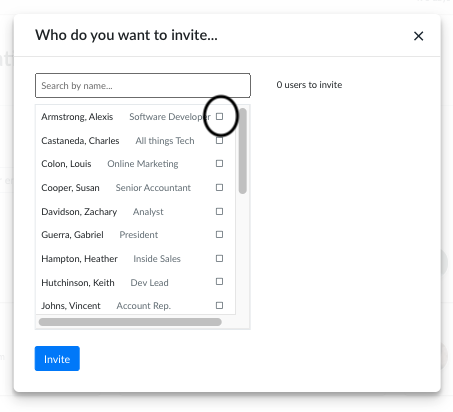
Within the company staff section, you can invite staff members to use various aspects of the modules within the platform. To invite multiple staff members click invite all and simply choose the members you want to invite by checking the box next to the individual names. Click invite and you are all set.
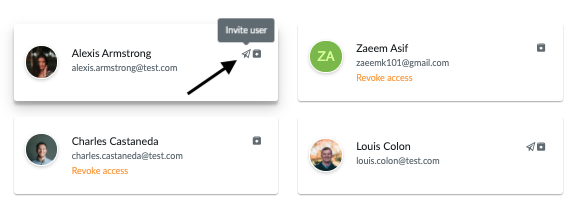
Want to invite users one at a time? No problem. Simply click the icon on their company card and click invite user.