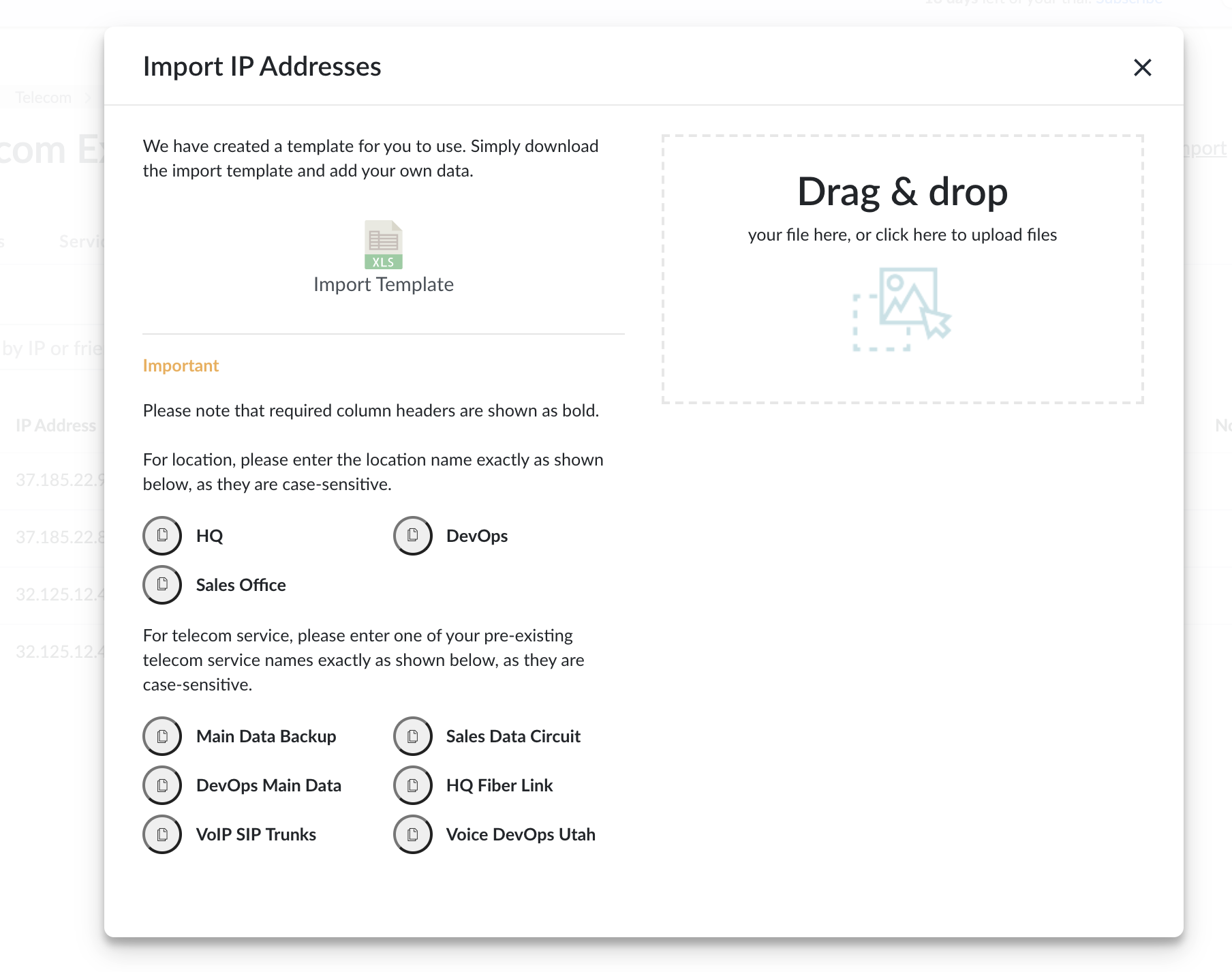
If you keep all your IP addresses in a spreadsheet, you can easily import them into Genuity.
- Login to Genuity. You will need to have edit permissions for the Telecom Expense Management module to add an IP address.
- Navigate to Telecom Expense Management→IP Addresses.
- Click Import in the top right corner.
- Download the IP address Template File.
We've created a template as an example of the IP address upload file. You'll need a spreadsheet application to do this. - Organize your information to fit the template.
For locations and services, please enter the names exactly as are in the platform they are case-sensitive. - Upload that file in the same screen. To upload the file simply download the file and replace the example data with your IP addresses and information. Then click Upload.