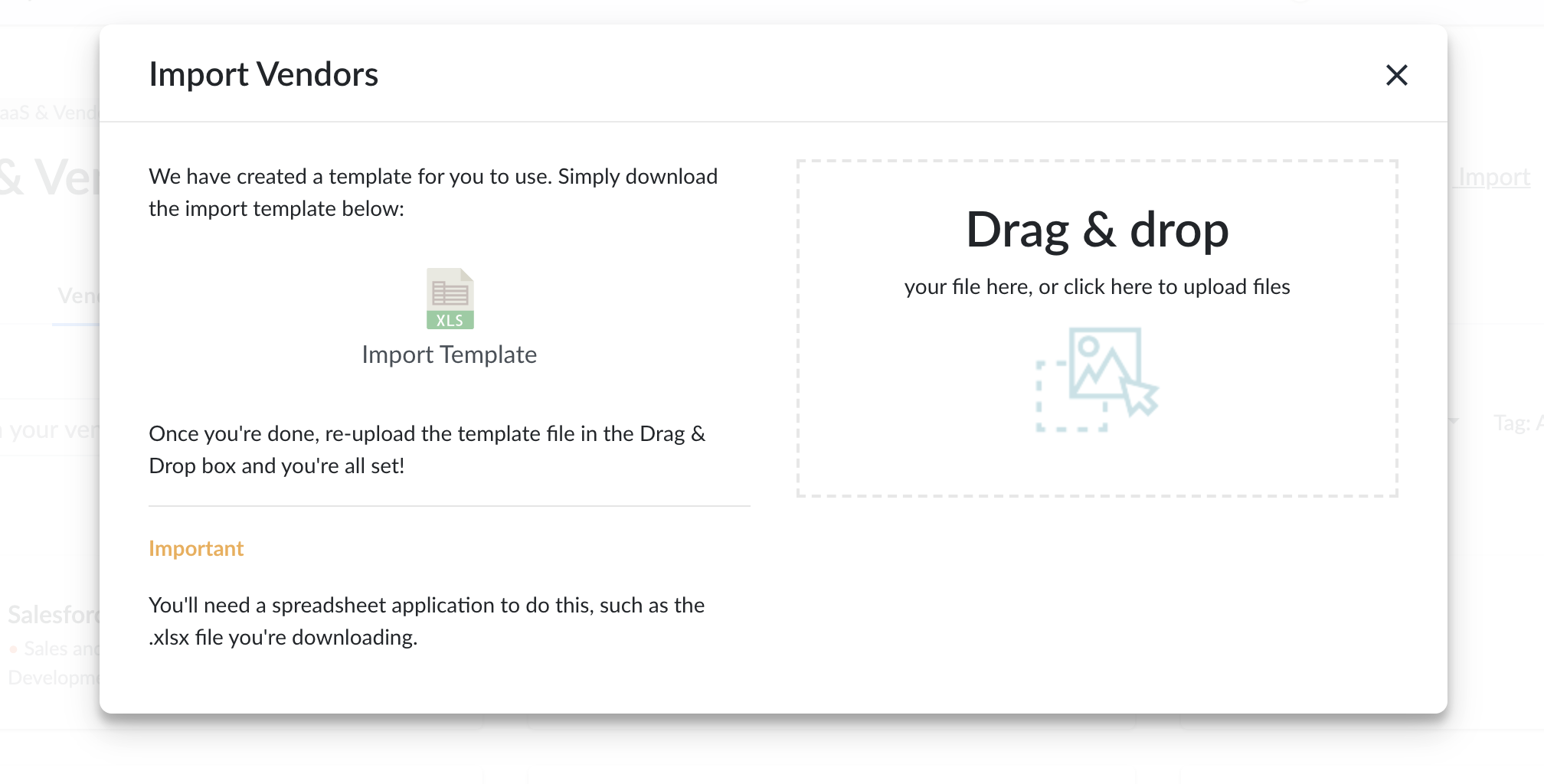
Genuity gives you the ability to import vendor information through our template upload. Define vendor, vendor url, category, contact, payment terms, internal manager and so much more.
Importing Vendors
- Login to Genuity as a user or administrator. You will need to have edit permissions for the Vendor module to import transactions.
- Navigate to the Vendors tab.
- Click Import transactional data in the top right corner.
- Download the import template.
- Organize your information with the template.
- Upload that file in the same screen.